
Age Group
Ages 8 to 12
Junior campers learn AI and coding through practical projects while continuing Blooms character-building and outdoor activities. The program balances technical skills, confidence, teamwork, and creativity.
Why this experience stands out
Ages 8 to 12
STEM.ORG certificate by Meritus AI
Beginner, intermediate and advanced
Ages 8–12
Sunday to Thursday
9:00 AM – 3:00 PM
• Arrivals from 8:45 AM
• Late pickup 3:00 PM–5:30 PM · (For an Extra Fee)
MeritusAI
MeritusAI Certificate
This hands-on session offers a dynamic overview of Artificial Intelligence concepts through practical coding projects. You'll learn to develop an intelligent language translator, an AI-powered game focusing on perception, a text recognition program using computer vision, and an interactive AI face filter with pose detection. You'll also build programs for person and object identification, a voice-controlled drawing application, and explore how machine learning models simulate human cognitive processing. Through these projects and real-world case studies, you'll gain a tangible understanding of AI's capabilities and limitations.
What You Should Know
This hands-on session introduces the fundamentals of Artificial Intelligence through engaging project-based learning. You'll explore core AI concepts like speech recognition and sentiment analysis, machine learning for task automation and image/text classification, and computer vision for pose detection and object recognition. Through practical projects such as building a voice-controlled calculator, a basic household automation program, a language translator, a simple conversational agent, and image/letter recognition models, you'll gain a practical understanding of AI's capabilities and real-world applications.
What You Should Know
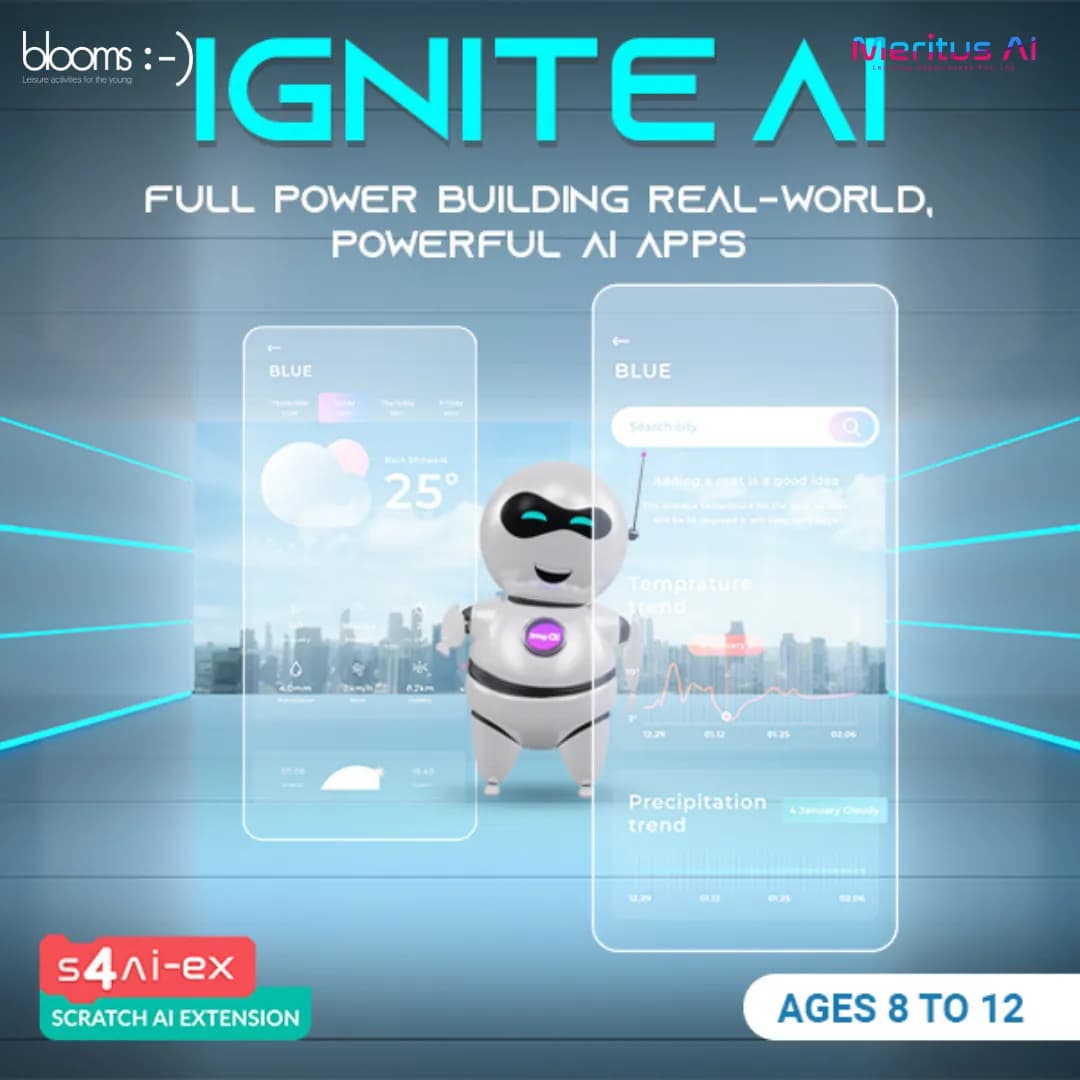
This hands-on course explores the exciting world of Artificial Intelligence through practical projects focused on how AI perceives, reasons, and interacts with the environment. You'll learn to detect human poses, build an AI weather assistant leveraging data and reasoning, interpret audio signals, classify images with computer vision and ML, and develop interactive AI-powered games. Projects include gesture-controlled games, time-based voice interactions, a natural language voice assistant, a smart messaging app combining motion and voice, and real-world object classification. This course provides a tangible understanding of key AI concepts and their application in creating intelligent and interactive systems.
What You Should Know


Nurturing Your Adventure